How to Cancel Nord Pilates: A Step-by-Step Guide
By:Author:Nord Pilates Editorial
Updated on:October 20, 2026

Whether you have reached your fitness goals, want to take a break, or just need to trim your subscriptions, canceling Nord Pilates only takes a few minutes. Below, you will find clear instructions for every platform, plus answers to common questions about refunds and re-subscribing later.
Before You Cancel
Canceling is quick, but it helps to know the full picture first. A lot of people cancel without realizing how much the app actually offers. Here is a quick look.
Features you might have missed
Nord Pilates is more than the daily workout plan. A few tools tend to go unnoticed, and any one of them could be the thing that makes the app click for you.
Personalized meal plans
Beyond workouts, the app can build you a meal plan that matches your goals, whether that is Mediterranean, ketogenic, vegetarian, or something else. It takes a few minutes to set up and gives you a plan tailored to how you want to eat.

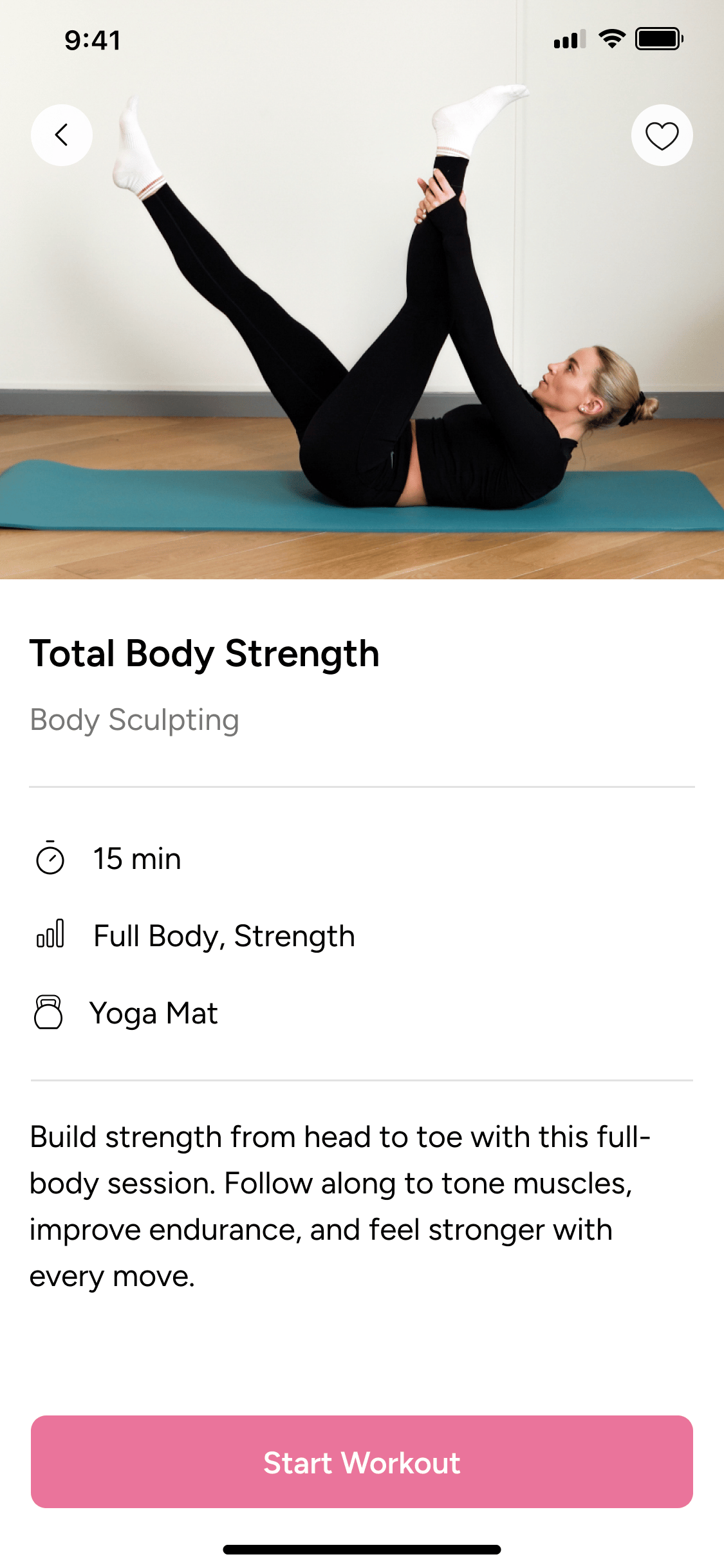
A full workout library
The Explore tab holds far more than your current programme. Pilates, yoga, mobility, and recovery sessions are all there, sorted by category so you can switch things up whenever your current routine feels repetitive.
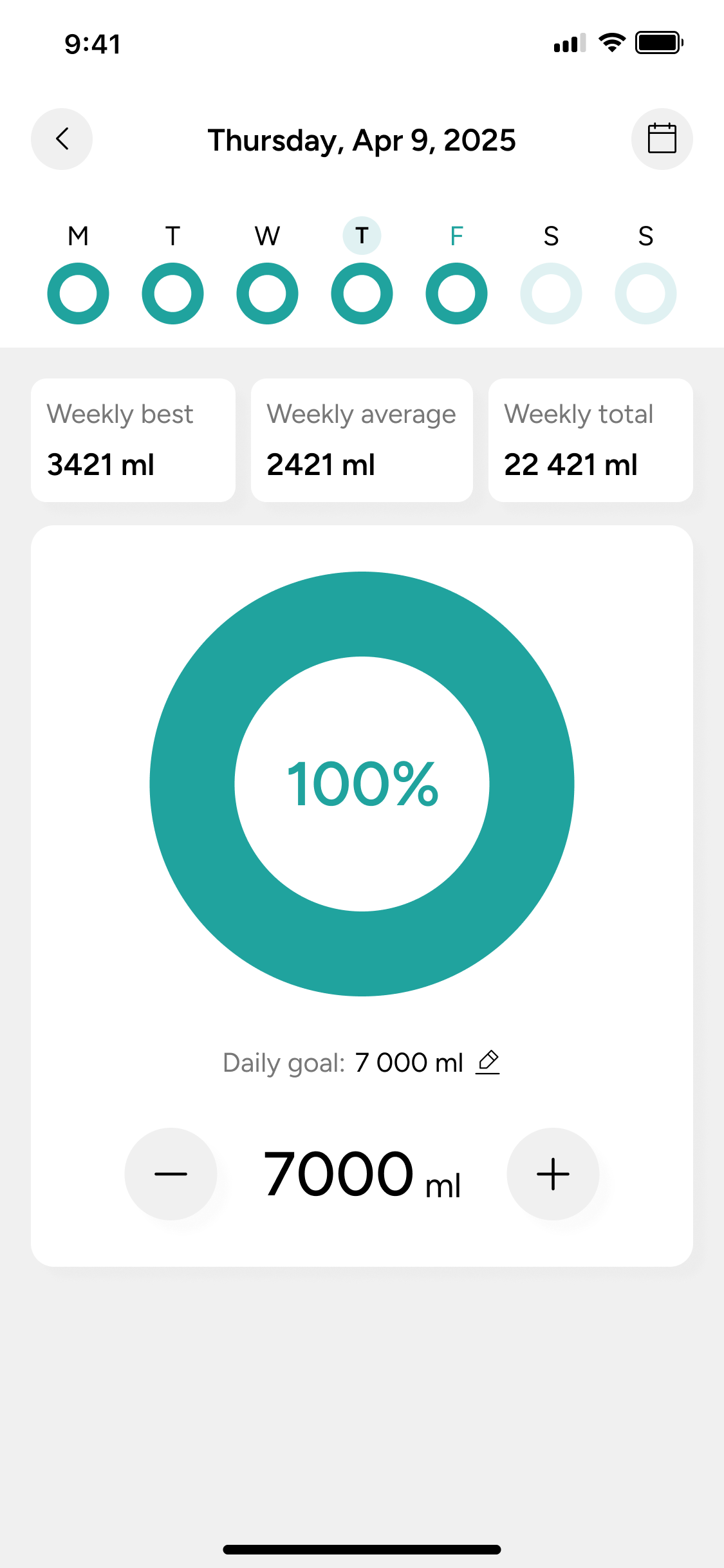
Trackers to keep you on course
Water intake, weight, and fasting all have their own simple trackers built into the app. They take seconds to update and can make it easier to see your habits clearly, day to day.
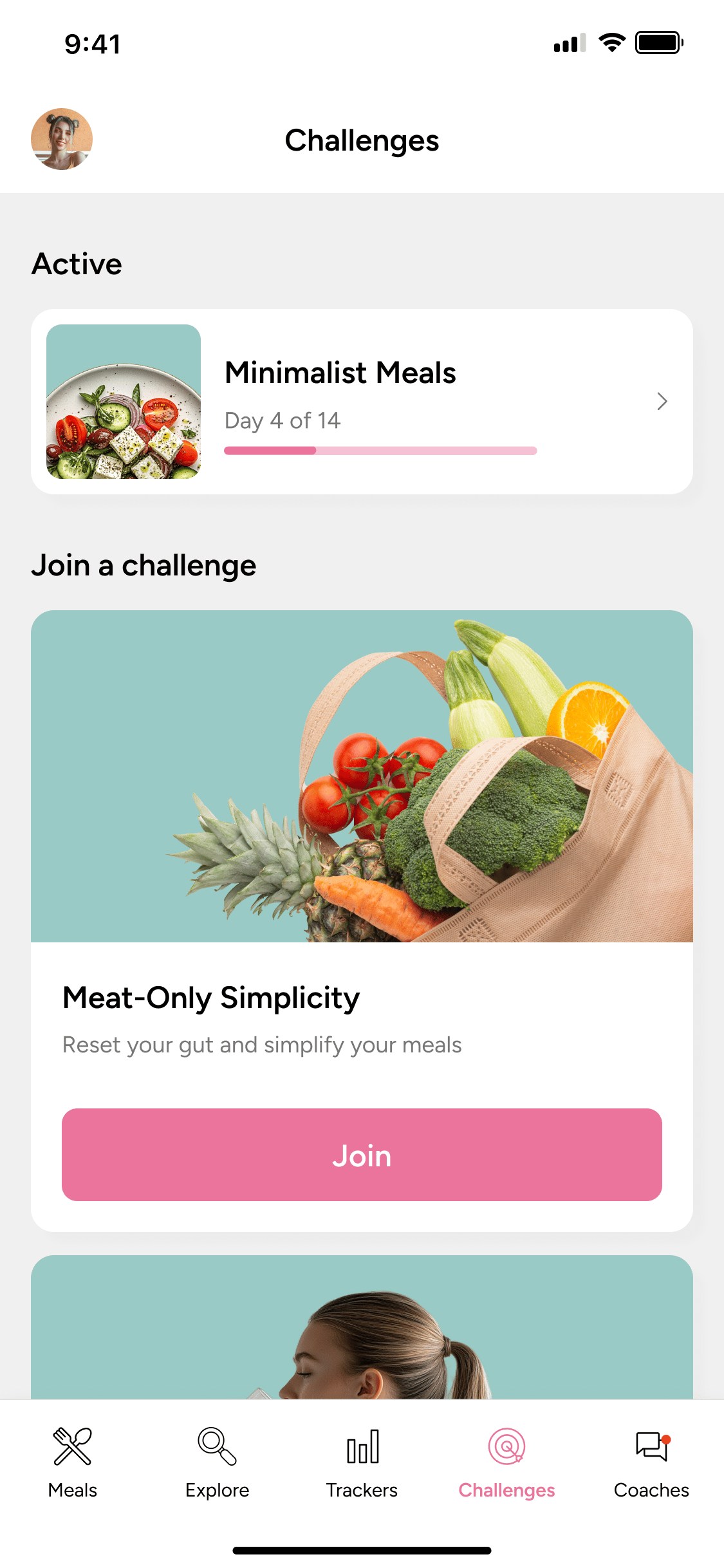
Challenges to stay motivated
If routine is what is wearing you down, the Challenges tab offers short, focused goals like sugar-free days or mindful eating streaks. They are an easy way to reset your motivation without committing to anything long-term.
If cost or timing is the issue
If cost or timing is the issue, you're not out of options. Reach out to [email protected] before cancelling - our team can talk through billing questions and flexible account options that could make things work.
What keeps people coming back
Nord Pilates is built to fit around your day. You train at home, on your own schedule, with sessions that adjust to your level. Most people who stay with it do so because progress feels steady and manageable. If the goal you started with still matters to you, it may be worth giving it a little more time.

How to Cancel Nord Pilates
If you have thought it through and still want to cancel, here is exactly how. The path depends on where you originally subscribed, so follow the steps that match your sign-up method.
Subscribed via the Nord Pilates Website
If you signed up directly through nordpilates.com, you have two ways to cancel:
Direct Cancellation Steps
- Manage your subscription online and cancel it yourself in a few clicks.
- Email [email protected] with your account details and a request to cancel.
Manage your subscription at nordpilates.com/manage-subscription
Either way, the cancellation is confirmed once it is processed. Managing it online is the fastest option if you would rather skip the email. https://nordpilates.com/manage-subscription
Either way, the cancellation is confirmed once it is processed. Managing it online is the fastest option if you would rather skip the email. https://nordpilates.com/manage-subscription
Subscribed via the App Store (iOS)
If you signed up through an Apple device, your subscription is managed by Apple, not through the Nord Pilates app. Follow these steps:
iOS Cancellation Steps
- Open your device Settings and tap your name at the top.
- Tap Subscriptions and find Nord Pilates in the list.
- Tap Cancel Subscription and confirm.
Apple will send a confirmation email once the cancellation is processed. Your access continues until the end of the current billing period.
Subscribed via Google Play (Android)
If you signed up through an Android device, your subscription is managed by Google Play. Follow these steps:
Android Cancellation Steps
- Open the Google Play app and tap your profile icon.
- Go to Payments and subscriptions, then Subscriptions.
- Find Nord Pilates, tap Cancel subscription, and confirm.
Google will send a confirmation once the cancellation is complete. Access to the app continues until the end of the current billing period.
Need Help With Cancellation?
If you run into any issues or have questions about your account, the Nord Pilates support team is happy to help via [email protected]
Our team will be quick to assist and help with cancellations, billing questions, and account management.
The Final Take
Canceling Nord Pilates is simple, with three clear paths depending on how you signed up: the website, the App Store, or Google Play. The steps above will get it done quickly.
But if the real reason is timing, cost, or just a busy stretch, a quick email to Nord Pilates customer support
might serve you better than canceling. And if you decide the app was not the full picture, the meal plans, workout library, trackers, and challenges are worth a second look before you go.
might serve you better than canceling. And if you decide the app was not the full picture, the meal plans, workout library, trackers, and challenges are worth a second look before you go.
FAQ
Will I lose access immediately after canceling?
No. Canceling stops future billing, but your access continues until the end of the current subscription period. You will not lose the app or your programme the moment you cancel.
How do I know which method I used to sign up?
Check your email for the original sign-up confirmation. If it came from Apple or Google, your subscription is managed through that store. If it came directly from Nord Pilates, you can cancel through this link.
Can I get a refund when I cancel?
For questions about refunds, contact [email protected] directly.
Who do I contact if I need more help?
Email [email protected] for any questions about your account, billing, or cancellation. The support team can assist with all account-related queries.
Share this post